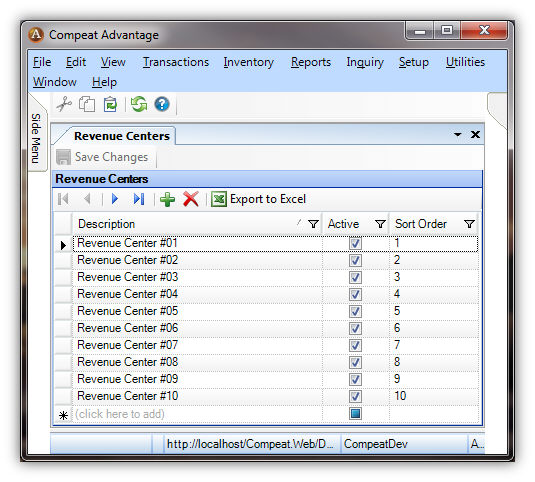
This screen allows you to define the revenue centers in a restaurant, so they can be mapped to POS salesmix data. This allows salesmix to be filtered by revenue center, when running a Sales Mix Report.
Each revenue center is defined on the Revenue Centers screen (Setup > Polling > Revenue Centers). These are global and will be associated with the POS codes of each entity on the Revenue Center Mappings screen.
The sort order is used on the Sales Mix Report when the Group by Revenue Center option is selected, as well as on the various dropdown menus used for selecting a revenue center.
Revenue centers associated with historical data cannot be deleted; attempting to do so will cause the following error to be displayed:
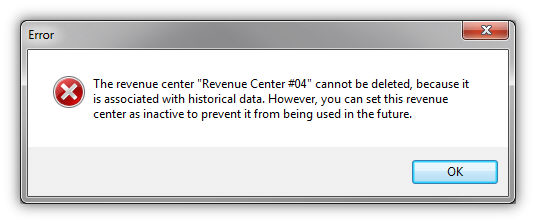
By setting a revenue center as inactive, it will not be available when creating/editing mappings, as well as being ignored by the polled sales mix processing. Also, if a record is ignored during processing, it will either be treated as an exception, or be assigned to the “Unassigned” revenue center, depending on whether the respective option is set on the polling step (see Polling Steps).
Note: The update process should automatically create the necessary revenue centers and map any sales mix data that has already been processed. The records that have revenue center information will be mapped to the corresponding revenue center. Otherwise, the records will be mapped to the “Unassigned” revenue center.