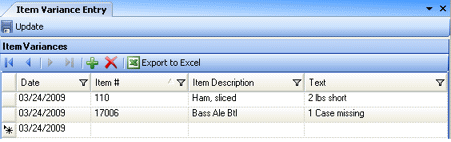
This screen allows you to manually enter notes on variances for specific items. The data entered in this screen can be viewed through the Item Variance Report.
Enter a date, item # or description, and the variance along with any notes in the Text field. Click Update to save the information. The data entered in this screen is specific to the current entity. Once you have saved your data, it cannot be deleted or altered.