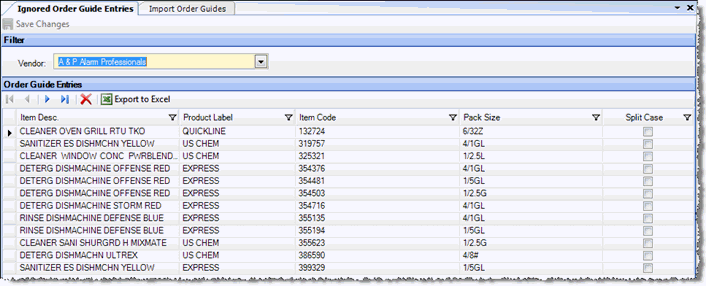
This screen contains a list of all of the items chosen to be ignored during the order guide import process. Any item on this list will not appear on-screen when an order guide for the selected vendor is imported.
To remove an item from the list, highlight its row and click the red 'X'. Once this is done, the item will begin appearing on the order guide import screen, if the order guide file contains a record for it.