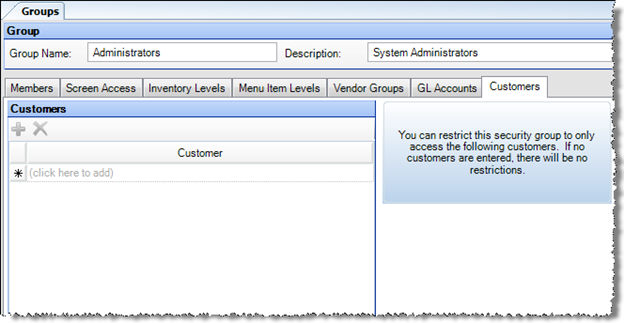
Use the Customers tab of the Groups security screen to restrict a security group's access to certain customers for the Outside Orders screen in a Commissary entity.
To use this feature, select as many of your customers from the drop-down list as you would like the group to have access to. Leaving the list blank allows access to all customers.